lukwama Studio
Desktop Mini Clock
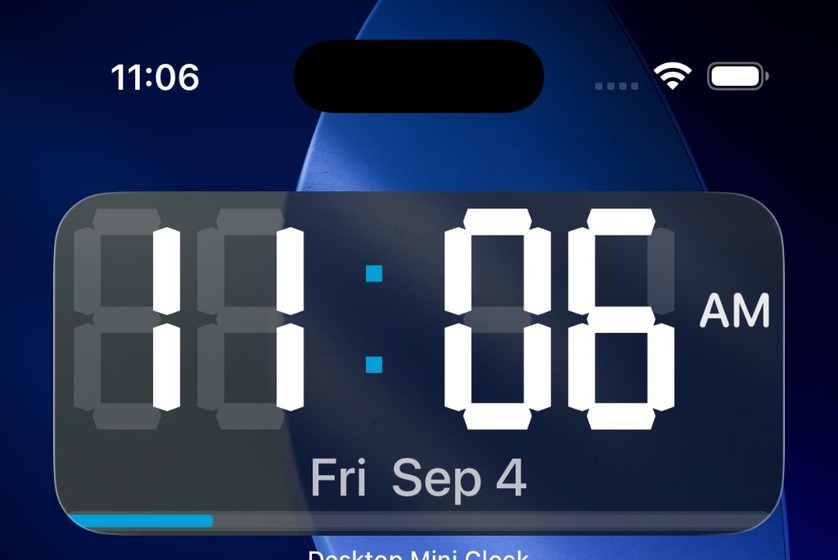
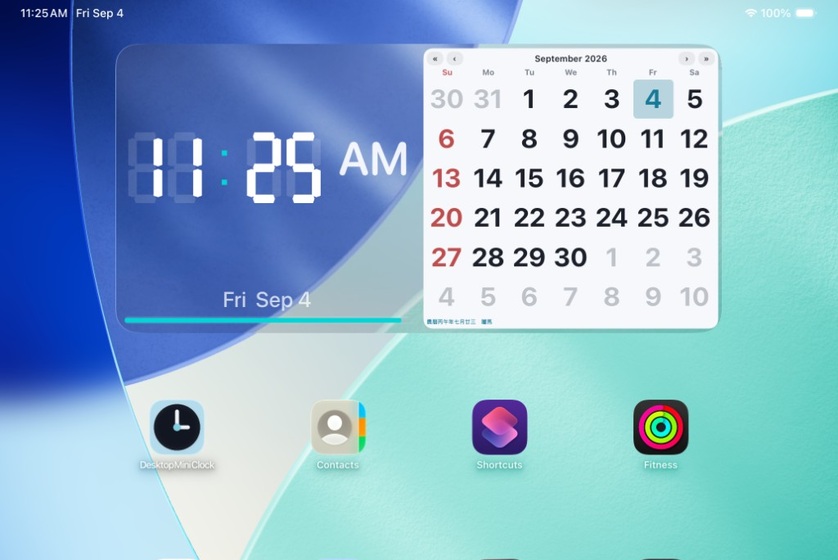
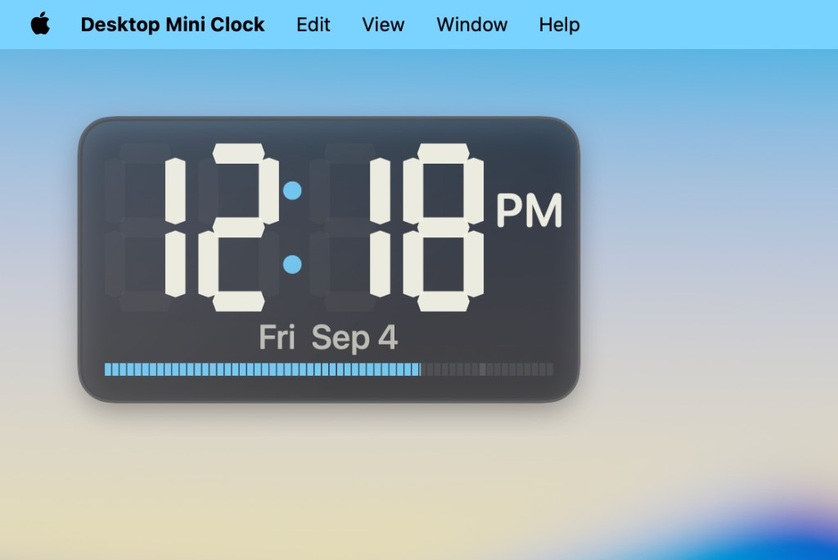
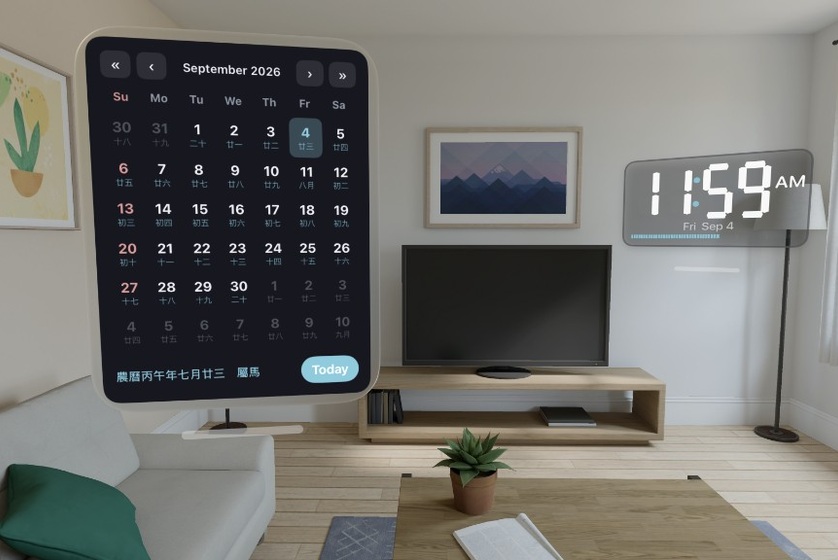
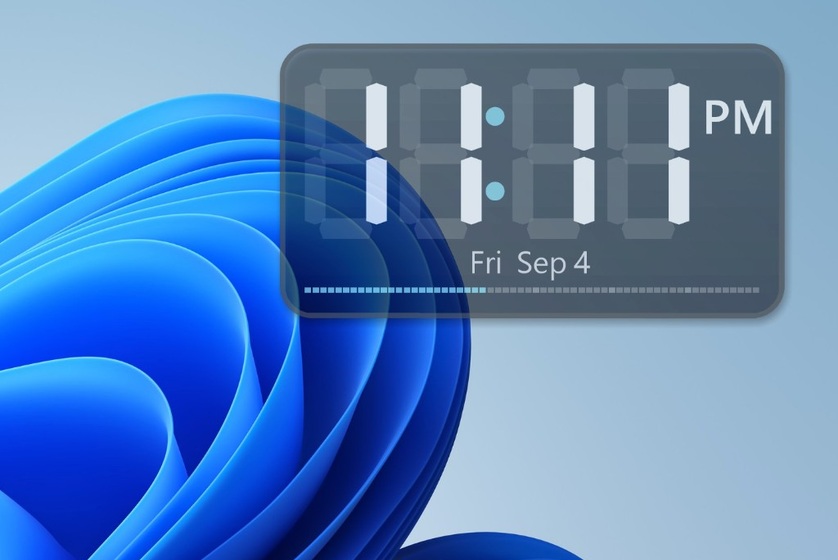
A small clock that stays on screen, keeping the time, weekday, date, lunar date and zodiac together on one panel.
Across your devices
Features
- Simple time display with AM or PM. Seconds can be shown or hidden, with 12-hour and 24-hour formats.
- Weekday, date, lunar date and zodiac can be shown together.
- Position, size, colour, and whether to show the date or lunar calendar are adjustable.
- Settings stay only on the device. No account or internet connection is required.
- Starting at boot or sign-in is optional; the system may ask before it is allowed.
Release history
- v0.2.6
- Added saved colour palettes and one-click application of saved palettes on every platform.
- Added local calendar notes and the option to add an item to the system calendar. Calendar writing requires your permission; the app has no permission to read your calendar, helping protect your privacy.
- Fixed a macOS issue.
- v0.2.5
- Added automatic background-image alignment on iOS.
- Updated lunar-calendar formatting on every platform, including the 24 solar terms and traditional lunar holidays.
- v0.2.4
- First feature-tested release, launched simultaneously on Windows, iOS, iPadOS, macOS and visionOS.
Download
Availability, system requirements and regional restrictions are shown on each store product page.
Support & contact
For a private question or bug report, use the support form. General feedback can also be shared on the public board below.
Public comments
Your comment, display name, posting time and replies are public. Do not post email addresses, account details or private information. Use the private support form for personal requests.
Posting requires Google or Apple sign-in and Cloudflare Turnstile. Account, comment and technical data are processed as described in the website privacy policy.